
A man can give the Autoblow AI Ultra box the same suspicious stare he gives a new kitchen appliance with twelve buttons. One promises pleasure; the other promises dinner, then demands a manual. Either way, the box looks a little too serious for something meant to make free time more interesting.
A machine that needs a power cord but not a pep talk has an obvious appeal. The next thought is less glamorous: is this a clever way to change a solo experience, or just one more thing to clean? That is a fair question before spending real money.
I’ll assess the experience, fit, tech, upkeep, and value without pretending every person will feel the same way. A partner may bring warmth and spontaneity; a device offers a different kind of consistency. The product’s basic purpose is to provide automated stimulation, so first it helps to understand what is actually moving.

What Is the Autoblow AI Ultra?
The Autoblow AI Ultra is an automated stroker that moves a lubricated sleeve for you. In plain terms, it uses a motor to create mechanical up-and-down stimulation rather than asking your hand to set every stroke.
A sleeve is the removable soft insert that fits inside the device and makes contact with the penis. The unit runs from wall power, not a rechargeable battery, so it needs an AC outlet during use. Its moving sleeve assembly does the stroking while the outer housing holds the mechanism.
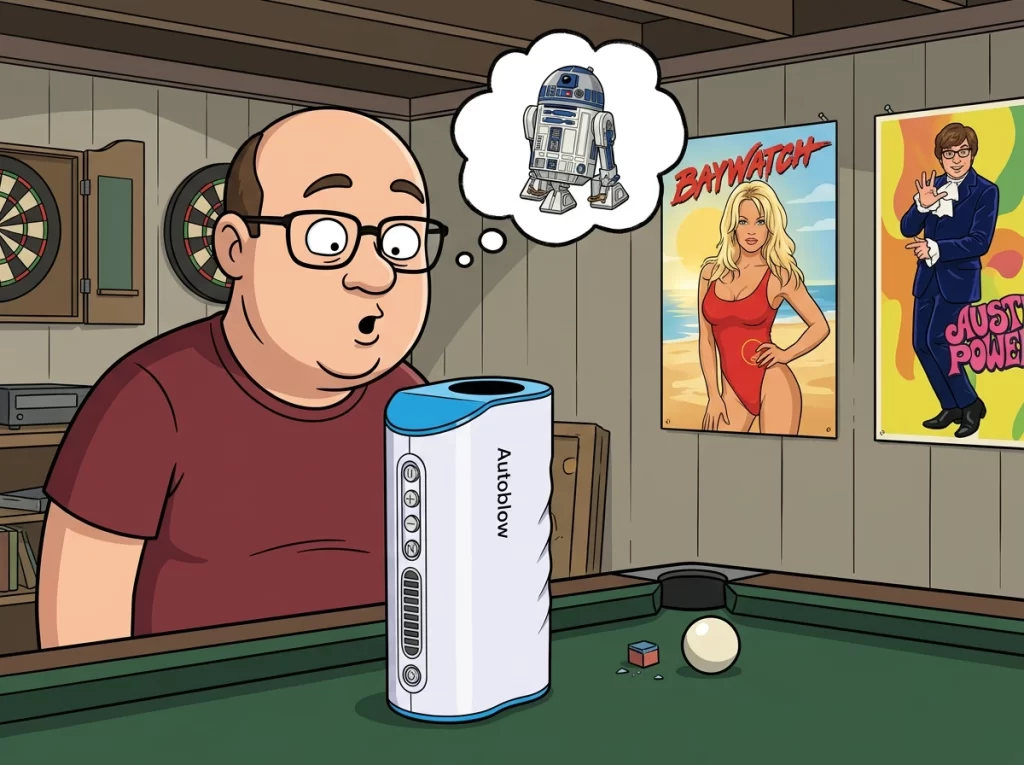
That makes it different from a manual sleeve, which provides a textured tunnel but depends on the user’s hand for movement. The motorized design can repeat motion while the user focuses on comfort and pace. It remains an adult pleasure device, not a medical device.
The Autoblow AI Ultra is a wall-powered adult stroker that moves a lubricated sleeve assembly. It is not a battery-powered device or a medical treatment.
The name may sound like the machine has a personality, a training plan, and opinions about your playlist. It does not. Here, “AI” refers to programmed movement patterns, which is a much less sci-fi explanation and a useful place to begin.
What Does “AI” Actually Do?
The AI label describes programmed stroking patterns, not a conscious robot that thinks, learns, or reacts like a person. The machine follows selected modes with repeatable changes in rhythm, stroke length, and pace.
Its patterns are preset movements modeled on oral-sex techniques, not evidence of human-like instinct. A mode gives the user a particular sequence to try. The device does not invent a new movement because it senses a change in mood.
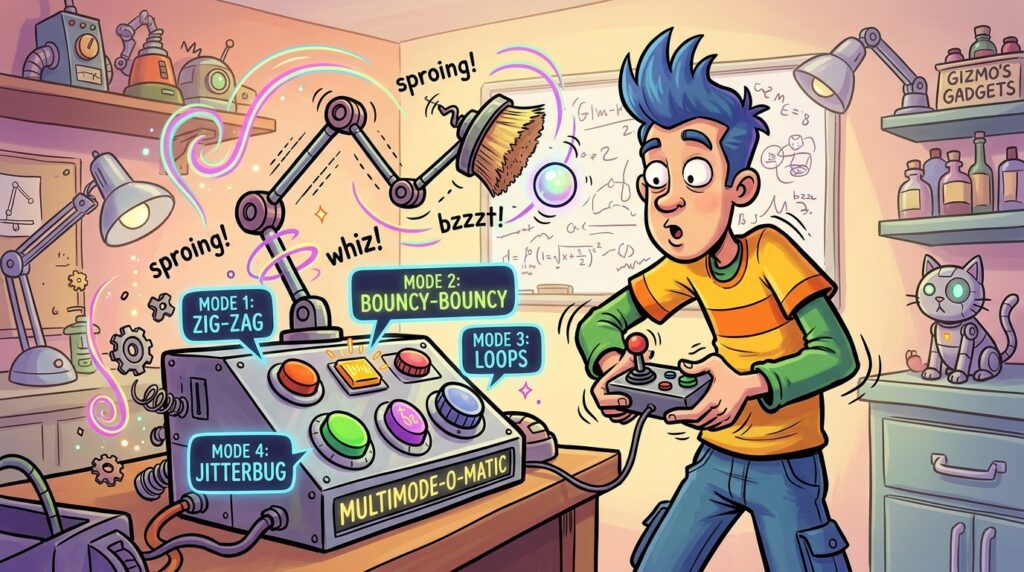
That distinction matters because marketing language can make “AI” sound more personal than it is. A playlist can change tempo, but it cannot read the room, and this machine cannot either. Its settings offer variety without the judgment or adaptation of a partner.
Some users may prefer a familiar pattern they can return to. Others may enjoy switching modes to change the overall sensation. Either way, the selected setting remains a mechanical routine, not a responsive exchange.
The practical technology question is what happens when those patterns link to on-screen action. That connection is the device’s video sync feature, and its usefulness depends on the content and setup.
How Does Video Sync Work?
A video shows an on-screen action, and video sync can time the device’s movement to compatible action. When the match works, a browser-based video library can make a session feel more connected to what is playing.
Compatibility depends on the video, the control setup, and the available sync material. Some setups let users sync their own videos or use community-made scripts. A funscript is a movement script that marks timing and motion for compatible devices.

Using a library may be the easier route for someone who wants a ready-made match. Working with personal videos or community scripts can take more technical effort. File types, setup steps, and device support can affect whether a particular option works.
Sync can add immersion by coordinating strokes with a video’s timing. It cannot make the machine’s movement identical to a real person. A script follows its cues; it does not adjust pressure, warmth, or movement based on a partner’s response.
Readers considering a specific video or VR setup should check compatibility before buying. Support can vary, so I would not treat VR use or a particular library size as guaranteed. Connected features also need initial setup, while basic operation does not.
How Do I Set It Up and Use It Offline?
A first session starts by plugging the unit into a wall outlet and placing it on a stable surface. For basic use, the four-button interface works without Wi-Fi, while online features use a browser-based control page.
The device needs AC power, but an internet connection is not required for basic manual operation. To connect the Autoblow to Wi-Fi, use setup mode to join the device’s temporary network. Select the home network through the setup page, then open the web app in a browser.
Basic plug-in setup
These steps cover a general first-use routine. Exact screen labels and network prompts can vary by setup, so I would follow the device’s included instructions rather than assume one menu sequence fits every unit.
- Plug the device into an AC outlet and place it securely on a stable surface.
- Wash and fit the sleeve, then apply water-based lubricant.
- Use the physical controls for a basic offline session.
- Enter the device’s Wi-Fi setup process and connect through the browser-based control page for online features.
Connecting the web app to home Wi-Fi
The setup process uses a temporary device network before joining the home network. Once connected, the web app opens in a browser instead of requiring an installed phone app. An internet connection supports connected features, but the basic buttons remain useful when the network is unavailable.
| Use case | Internet needed | What the reader can do |
|---|---|---|
| Offline buttons | No | Start, pause, and use basic controls |
| Video sync | Yes | Use compatible connected sync features |
| Remote control | Yes | Share browser-based controls remotely |
When offline controls are enough
The buttons suit someone who wants a straightforward session without opening a browser. The web app matters more for users who want connected controls. Neither route changes the basic physical mechanism: the motor moves the sleeve assembly.
Setup can add convenience, but it does not change the basic physical sensation. That experience depends more on motion, fit, and personal preference than on a network connection.
What Does It Feel Like in Practice?
“Inspired by oral sex” is not the same as receiving oral sex. The distinction is important: a lubricated sleeve and repeatable motion can create pleasurable friction, but a machine does not reproduce a person’s warmth or adaptive touch.
The sensation depends on lubrication, snug pressure, and whether the movement feels comfortable. A sleeve that grips gently can make each stroke feel focused. Too much pressure can turn that same contact into something constricting rather than pleasurable.

What the moving sleeve can imitate
The moving assembly gives the user regular strokes without needing to guide every pass by hand. Some people may enjoy that steady rhythm, especially when the pattern suits their preferences. Others may find the repeated motion too uniform after a while.
Warming the sleeve in warm water may help some users settle into the experience. Audio or visual stimulation may also make a session feel more engaging. Those are personal choices, not requirements, and they do not change how the mechanism moves.
Where the mechanical sensation differs
A person can change pressure, angle, and pace in response to what feels good. A sleeve follows a setting instead. It cannot imitate the tongue’s texture, a partner’s body heat, or spontaneous changes in movement.
The hard casing also deserves attention. Forceful thrusting against a rigid housing can feel uncomfortable, so a user should avoid treating the unit like a soft, flexible partner. The sensation is best judged on its own terms, not as a perfect imitation.
Comfort also depends on whether the sleeve fits without pinching or excessive pressure. That makes fit an important part of the experience, not a minor detail to check after the purchase.
Will the Sleeve Fit Your Size?
Fit is the first thing I would check, before getting dazzled by the connected features. A comfortable fit depends on girth and stroke coverage, and one size should not be treated as a promise to fit everyone.
One product description lists an approximate maximum circumference of 5.5 inches, while some users may find anything above 6 inches very tight. Those figures are guides, not a guarantee of comfort.
Girth and grip adjustments
Sizing rings may change how firmly the sleeve grips. Some owners try removing or changing parts to adjust the opening, but results can be mixed. I would not assume a modification will make a too-tight sleeve comfortable or preserve its intended operation.
| Fit consideration | What to expect | Practical check |
|---|---|---|
| Typical girth | Approximate maximum circumference is 5.5 inches | Compare your measurement with the listing |
| Above-average girth | Above 6 inches may feel very tight | Check sleeve options before ordering |
| Longer length | 8- to 9-inch length may not get base-to-tip coverage | Check expected stroke coverage |
Stroke coverage and longer lengths
Length affects how much of the shaft the moving sleeve can cover. An 8- to 9-inch length may not receive base-to-tip coverage. That does not automatically rule out use, but it can change the movement and contact a user gets.
Product descriptions and package contents can differ. Check the exact listing for sleeve options, included rings, and any other components rather than relying on a general description. Even a good fit still depends on personal control over speed and stroke area.
How Much Control Do the Modes Give You?
Users can choose straightforward button control on the physical unit or more detailed browser-based adjustments. The tradeoff is simple: the buttons keep things direct, while the web controls provide more ways to shape movement.
Physical buttons can start or pause the device, cycle patterns, and change speed. Through the web app, users can make additional adjustments to speed and stroke area. The amount of control is useful, but it remains control over a machine’s motion.
A user can try these four choices to find a comfortable starting point:
- A slow pace for easing into the sensation.
- A shorter stroke area for focused stimulation.
- A longer stroke for broader movement.
- A repeatable preset for a predictable session.
The same mechanical consistency can be an advantage or a limitation. Some users may like knowing what a setting will do each time. Others may want the small changes and responses that a person can provide.
Controls can help tailor the experience, but they cannot overcome a poor fit or an uncomfortable position. The web app adds options without changing the fact that the unit is a motorized device with a physical presence.
A feature-rich unit still needs space, makes some noise, and connects to the home environment. Those practical details can matter as much as the number of settings.
How Loud, Large, and Private Is the Device?
Hiding this unit can feel like trying to conceal a small appliance that is not especially small. It is substantial, not a pocket-sized toy, and a product specification lists it at about 3 pounds, 10 inches tall, and 5.5 by 4 inches wide.
The motor produces audible mechanical movement, so the device is not silent. The room, distance, and walls affect how noticeable it feels to someone nearby. A quiet home with thin walls may make privacy harder than a room with more sound separation.
Size, weight, and where it can sit
The plastic housing needs a stable spot, whether that is a tabletop or a lap. Its weight and height make storage worth planning before use. Someone sharing a small room may have fewer easy places to keep it out of sight.
Noise and privacy at home
The unit has no microphone or camera, which can reassure users who prefer fewer sensors in a personal device. That does not remove ordinary connected-device privacy concerns. Internet-connected controls still call for sensible account and access habits.
Some listings describe discreet, plain packaging. Packaging can vary by order and shipment, so I would treat that as a practical possibility, not a guarantee for every delivery. Shipping also means the box may arrive when other people are home.
The connected unit and removable sleeve need separate care. The sleeve can be washed, while the electronic housing should only be wiped, making the distinction important for upkeep.
How Do I Clean and Maintain the Sleeve?
The sleeve and electronic casing need different cleaning methods. Keep the parts separate: wash the removable insert, but wipe the outside of the device without soaking or submerging it.
Unplug the machine before cleaning, and use water-based lubricant because silicone- and oil-based lubes can damage sleeve material. Mild soap and water are appropriate for washing the removable sleeve.
Cleaning after each session
A simple routine helps keep residue from lingering inside the insert. I would use these four actions after a session:
- Unplug the machine from the AC outlet.
- Remove the sleeve and wash it with mild soap and water.
- Wipe the outer device with a damp cloth without submerging it.
- Air-dry the sleeve fully before putting it away.
Drying, storage, and replacement
A drying rack or clean towel can help air reach the sleeve and prevent trapped moisture. Let it dry completely before storage, since dampness can contribute to stale odors. Keep the electronic housing away from water while cleaning.
TPE and other sleeve materials may wear or tear over time. The exact care routine should match the instructions for the sleeve included with the device. Gentle cleaning and sensible storage can help avoid damage, though they cannot make a soft insert last forever.
Good care supports hygiene and may help prevent avoidable wear. It also connects directly to recurring ownership costs, since the sleeve is a replaceable part rather than permanent hardware.
What Do Owners Like and Dislike?
No pleasure product can win every vote in a room full of different bodies and preferences. That is especially true for a device whose fit, sound, and mechanical sensation may suit one person and annoy another.
A small review snapshot showed about 2.5 out of 5 across roughly 12 reviews, a limited sample rather than a reliable measure of all owners. That number is a narrow glimpse, not a verdict on every user’s experience.
The features that earn praise
Reported impressions point to a mix of connected features and personal tradeoffs. One individual described the pattern variety as having “ten different lovers with ten different styles.” That colorful comparison is one person’s impression, not a fact about all users.
- Video sync can make a session feel more immersive for some users.
- Repeatable patterns offer variety without requiring hand movement for every stroke.
- Fit and sensation can disappoint when expectations are too high.
- Setup, sound, or durability can be deal-breakers for some owners.
The frustrations that can spoil a session
Connected features may appeal to someone who enjoys video and tech, but setup is not everyone’s idea of a relaxing start. A motor’s sound can also clash with a quiet home. These complaints depend on a person’s living situation and tolerance.
Fit is another personal factor. A sleeve that feels snug to one user may feel too tight to another, and a mechanical pattern may not match what someone expects from oral-sex-inspired movement.
A rating based on roughly 12 reviews cannot represent a broad range of bodies, homes, and preferences. I would read it as a small signal that experiences differ, not as a precise prediction of satisfaction.
Mixed impressions are most useful when paired with the actual cost of ownership. The purchase price is only one part of the value calculation.
What Does the Autoblow AI Ultra Cost to Own?
The checkout price is only the first line in the ownership budget. For a realistic estimate, account for the device, possible sleeve replacement, lubricant, and any shipping or import costs that apply.
Product listings show prices ranging from about $219 on sale to $299.95, while replacement sleeves are listed at about $40-$50 each. Listed prices can change, so the current checkout total matters more than an old sale price.
Initial purchase price
The initial device price depends on the listing and whether a sale is running. I would check the final checkout amount, including shipping, before comparing it with another toy. A discount does not help if the delivered total changes the value for you.
| Cost item | Known amount or rule | What can change it |
|---|---|---|
| Initial device | About $219 on sale to $299.95 | Listing, sale, and shipping |
| Replacement sleeve | About $40-$50 each | Use, wear, and sleeve choice |
| Ongoing lubricant and extras | Water-based lube is essential | Brand, quantity, and extras |
Sleeves, lubricant, and other ongoing costs
One estimate suggests replacing a sleeve every 6-12 months with regular use. Actual wear, cleaning, and storage can change that timing. Water-based lube is essential, though the price depends on brand and bottle size.
The described warranty lasts one year and covers manufacturing defects, not sleeves. Used sex-toy sales are generally final for hygiene reasons. That makes fit and purchase terms worth considering before ordering.
For international buyers, shipping, customs, plug compatibility, and customer-service timing can affect the experience. The main audience here is in the United States, where AC power is the expected setup. Value comes down to how often someone will use it and which sensation they prefer.
How Does It Compare With a Manual Stroker or Suction Toy?
The simplest comparison is that one needs your hand, one strokes for you, and one focuses on suction. Each type works differently, so the right choice depends on what kind of stimulation and effort a user wants.
A manual sleeve relies on hand movement, the Autoblow AI Ultra provides mechanical stroking, and the VacuGlide 2 uses suction. Those are different functions, not a ranking from best to worst.
Manual sleeve versus motorized strokes
A manual stroker is a simple sleeve that a user moves by hand. It can be a lower-cost, smaller way to test whether a sleeve suits someone before buying a powered device. The user sets the pace and pressure directly.
The Autoblow takes over the repeated stroking movement through its motor. That can appeal to someone who wants hands-free mechanical action. It also brings more bulk, setup, and upkeep than a basic manual sleeve.
Stroking motion versus suction
The VacuGlide 2 is a suction-based alternative rather than a stroking sleeve. Someone curious about suction may prefer that style, while someone seeking repeated up-and-down motion may prefer a stroker. Neither approach is universally better.
| Type | How it stimulates | What the user controls | Best fit |
|---|---|---|---|
| Manual sleeve | Textured sleeve with hand movement | Hand pace and pressure | Low-cost, simple trial |
| Autoblow AI Ultra | Motorized stroking motion | Patterns, speed, and stroke area | Powered repeated strokes |
| VacuGlide 2 | Suction-based stimulation | Use of its suction function | Interest in suction sensations |
Thinking about the type of motion can make the choice clearer than chasing novelty. Preference and comfort matter more than whether a toy has a motor or an impressive name.
Who Is This Toy For, and Who Should Skip It?
The device best suits buyers who value powered, adjustable strokes and accept the bulk and upkeep. That combination matters more than being curious about a new toy for one afternoon.
A manual stroker may suit first-time buyers who want to experiment with a sleeve at lower cost and with less equipment. The Ultra is a more specific choice for people who want automated movement.
Before buying, I would check these four points:
- Interest in hands-free mechanical movement.
- Willingness to manage cleaning and storage.
- Enough space and privacy for a powered unit.
- Comfort with sleeve fit and the purchase cost.
Buyers likely to appreciate automation
A user who likes repeatable patterns and adjustable movement may value the machine’s control options. The unit could also interest someone who already knows that a stroker suits them and wants powered motion instead of hand movement.
Situations where a simpler option may suit better
A smaller manual stroker may be a sensible first test for someone unsure about sleeve-based toys. Users with hand-mobility limitations may find the unit’s weight inconvenient when moving or positioning it.
Some users report difficulty maintaining an erection inside the device. That experience does not mean the toy treats or causes a medical condition. Anyone with persistent erection concerns should seek appropriate medical advice rather than treating the device as a solution.
For some users, partner control can add a shared-play option. That possibility depends on comfort and trust, and it leads to a separate question about remote access.
Can a Partner Control It Remotely?
A partner in another location could adjust the pace during a planned session through shared browser-based controls. Remote control is opt-in, and the device’s connected features should only be shared with someone the user trusts.
Agree on boundaries before sharing access, including who controls the device and when a session ends. Connectivity can make a shared experience possible, but it does not replace consent or a private conversation.
Browser-based remote control
A user can share browser-based control access so a partner can adjust the device remotely. For example, a long-distance partner might change the speed during a planned session. The controls depend on a working connected setup, rather than physical proximity.
Sharing access should be deliberate. I would discuss what settings are welcome, when the partner may adjust them, and how to pause or stop. A device should not become a surprise control channel because someone has a link or account access.
Voice control and shared-play boundaries
Voice commands are described as an available control option. Which commands and features work can depend on the setup, so users should check the specific controls they plan to use. A voice feature is an extra way to interact, not a substitute for a clear agreement.
Comfort can change during a session, even when both people planned it. The person using the device should be able to pause or end play without pressure. Remote access should feel like a shared choice, not a test of trust.
The buying decision can stay simple: prioritize the motion, fit, and privacy that matter most to you. One concrete next step is to compare the exact listing and sleeve contents with a manual stroker before checking out.
Conclusion
This is an interesting pleasure gadget, not a mechanical substitute for every human touch. The Autoblow AI Ultra is a powered, adjustable stroker, and video sync may appeal to tech-curious users.
Fit, bulk, motor noise, and expectations can make it a poor match for others. I would check the exact sleeve contents, current checkout price, and return terms before buying, especially if this is your first stroker.
The practical next step is to check the current listing and compare it with a simple manual sleeve. Then decide whether powered convenience is worth the extra equipment and upkeep, or whether your hand already has the job covered.